
Table of Contents
Has your Steam Gift Card Not Working left you staring at an error message instead of enjoying new games? You’re not alone. Gift card redemption issues are frustrating but often solvable with the right knowledge. Whether you’re dealing with a Steam gift card code not working due to region locks, typos, or seller errors, this guide walks you through troubleshooting steps, redemption best practices, and strategic fixes to get your wallet funded fast.
Requirements & Account Details: What You Need BEFORE Redeeming
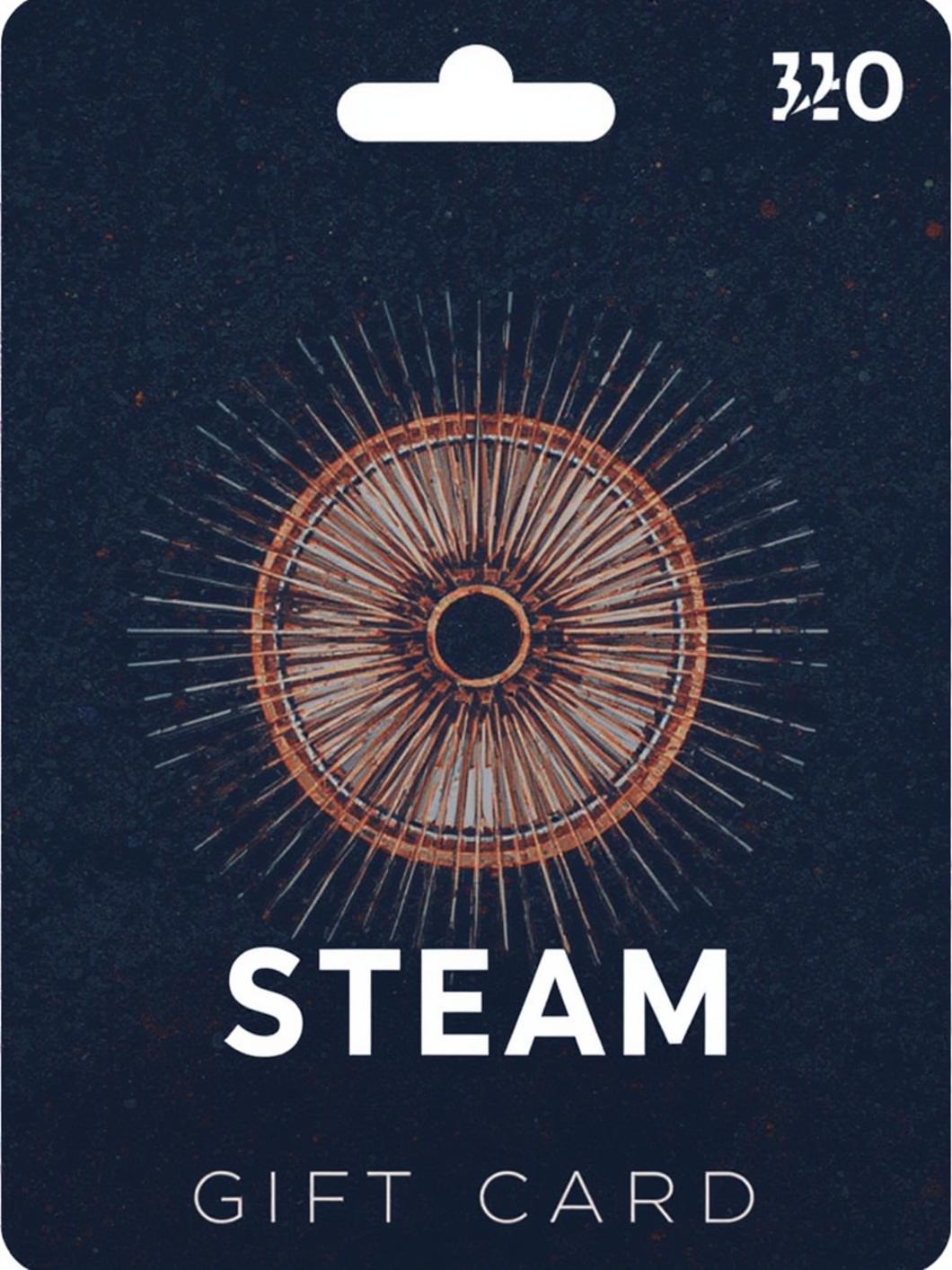
Before attempting to redeem or troubleshoot:
- Valid Steam Account: Ensure you’re logged into the correct account. Guest redemptions aren’t permitted.
- Region Compatibility: Cards must match your account’s store country (Settings > Account Details). US cards only work on US accounts, for example.
- Proof of Purchase: Keep receipts/photos of physical cards or e-gift confirmations. Critical for support disputes.
- Device & Browser: Use updated Chrome/Firefox/Edge or the official Steam app. Disable ad-blockers.
- Seller Verification: Official retailers (Amazon, Best Buy) have lower failure rates than third-party resellers.
- Wallet Limitations: Steam accounts max at $2,000 USD in wallet funds. Cards exceeding this cap will fail.
Redemption Timeline & Process: When to Expect Funds
Most cards work instantly, but delays happen:
- Instant (90% of cases): Funds appear upon clicking “Continue” after code entry.
- 5-10 min delays: Common with high-traffic periods or regional verification checks.
- 24-48 hours: Occurs with third-party seller cards (eBay, gray-market sites) needing manual validation.
- Failed forever (>48h): Indicates an invalid, expired, or region-locked Steam gift card code not working. Contact seller/Steam support immediately.
Step-by-Step Instructions: Fixing “Steam Gift Card Not Working” Errors

- Go to Steam Wallet Code Redemption and log in.
- Enter your code manually (no copy-paste). Check for typos: 0 vs O (zero vs letter O), B vs 8, I vs 1.
- Confirm your account region matches the card’s country (Settings > Account Details). Mismatches trigger “invalid code” errors.
- Contact the seller if the code was purchased from a third party (e.g., Amazon, GameStop). Request a replacement or refund if unused.
- Verify your Steam account has no payment holds or restrictions (Settings > Purchases).
- Clear browser cache/cookies or try redeeming via the Steam mobile app.
- Still stuck? Submit a ticket to Steam Support (Help > Gift Cards) with your receipt and code photos.
Advantages of Mastering Steam Gift Card Redemption
- Budget Control: Load exact amounts for planned sales splurges.
- Gifting Safety: Avoid sharing credit card info when gifting games.
- Payment Workaround: Use cards if your bank declines Steam purchases.
- Regional Discounts (Ethically): Leverage local pricing when traveling/moving.
- No Lost Value: Fixing a Steam Gift Card Not Working issue saves your money.
Alternative Methods & Pro Tips
- Redeem via Mobile App: Fewer errors than browsers.
- E-Gifts vs. Physical: E-gifts avoid scratches/damage but risk email delays.
- Trusted Marketplaces: Humble Bundle, Fanatical, and Green Man Gaming sell verified codes.
- PayPal/Regional Alternatives: If cards fail repeatedly, link PayPal or a local payment method (e.g., OXXO in Mexico).
- Mini-Checklists: For gift buyers → Send a screenshot of the receipt. For self-use → Test small-value cards first.
7 Common Mistakes to Avoid
- Buying Region-Locked Cards: Never purchase cheaper “global” cards from unauthorized sellers.
- Assuming Expired Codes: Steam cards don’t expire, but sellers may deactivate unused codes after years.
- Ignoring Case Sensitivity: STEAM-ABCD-1234 ≠ steam-abcd-1234. Uppercase matters.
- Losing Receipts: Snapshot the card/receipt before scratching or redeeming.
- Third-Party Risks: Avoid sites like G2A, Kinguin, or CDKey resellers with high fraud rates.
- Mixing Wallet & Direct Purchases: If a game purchase fails, ensure wallet + payment method jointly cover the cost.
- Failing to Retry: Wait 1 hour before retrying a code to prevent temporary IP flags.
Maintenance, Security & Best Practices
- Secure Digital Copies: Store e-gift PDFs in password-protected cloud folders (e.g., Google Drive).
- Seller Vetting: Check reviews for “Steam code” sellers on marketplaces. Avoid those with >2% complaint rates.
- Wallet Audits: Review your Steam wallet balance monthly under Account Details.
- Refund Routes: If a Steam gift card code not working can’t be resolved, request refunds within 14 days (for unused codes).
- Quick Verification: Test codes with $5-$10 cards before buying large denominations.
Conclusion: Regain Control Over Your Steam Wallet
A Steam Gift Card Not Working doesn’t have to ruin your gaming plans. By verifying regions, avoiding sketchy sellers, and carefully entering codes, most issues resolve in minutes. Remember, persistent Steam gift card code not working errors usually stem from region mismatches or invalid sources—always prioritize official retailers. Follow the steps above, and you’ll be back to shopping sales or gifting games stress-free!
FAQs: Steam Gift Card Troubleshooting
Q1: Why does Steam say my gift card is “invalid”?
A: This indicates a region lock, typo, or previously redeemed code. Triple-check spelling and account country.
Q2: Can I use a US Steam card in Europe?
A: No. Cards are region-locked. You need a card matching your account’s store country.
Q3: How long does Steam Support take to fix gift card issues?
A: 1-3 business days with proof of purchase. Delays occur during major sales (Summer/Winter).
Q4: Are digital Steam cards safer than physical?
A: Yes—e-gifts avoid damage/loss, but only buy from Steam, Amazon, or authorized partners.
Q5: Can I get a refund for an unused Steam gift card?
A: Yes, if redeemed unsuccessfully. Contact the seller first, then Steam Support with evidence.
Leave a Reply